Everything you need to stop retyping URLs
Env Switcher runs from a small popup in your toolbar. Here's what it does for you.
-
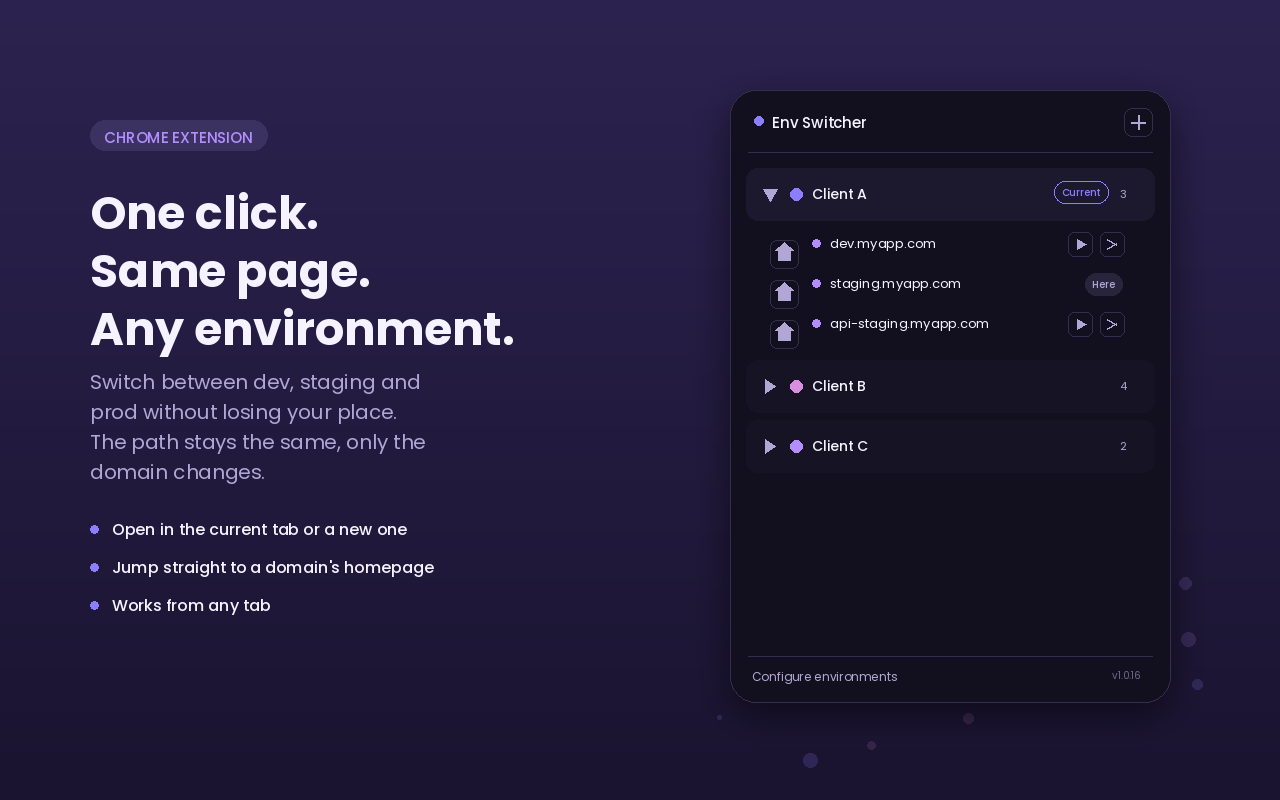
Switch without losing your place
Open the same page on another domain, in the current tab or a new one. The path and query string travel with you.
-
Jump to any homepage
One click takes you straight to a domain's root, from wherever you are, even from an internal browser page.
-
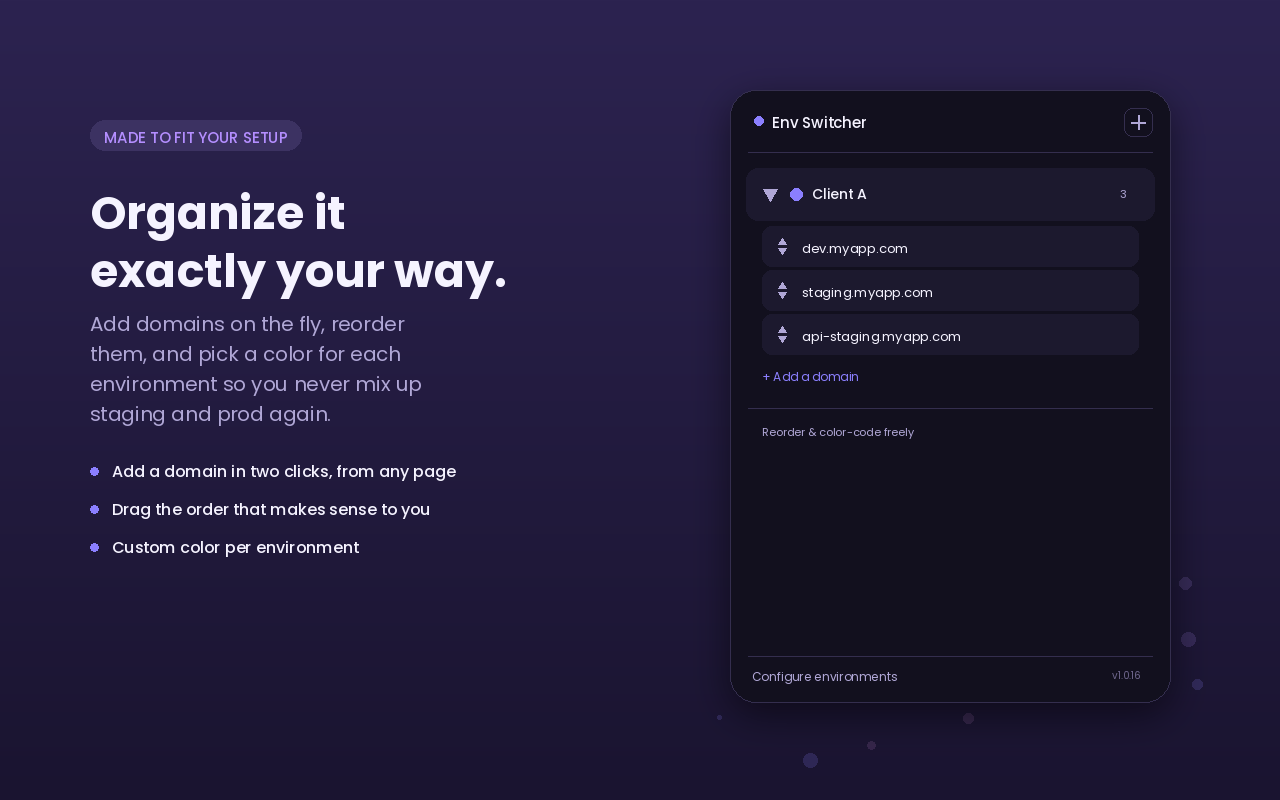
Organize and color-code
Group your domains into named environments and give each one its own color, so dev, staging and prod are never mixed up.
-
Add a domain from anywhere
Add the page you're on to an environment in two clicks. Env Switcher even suggests the right one for you.
-
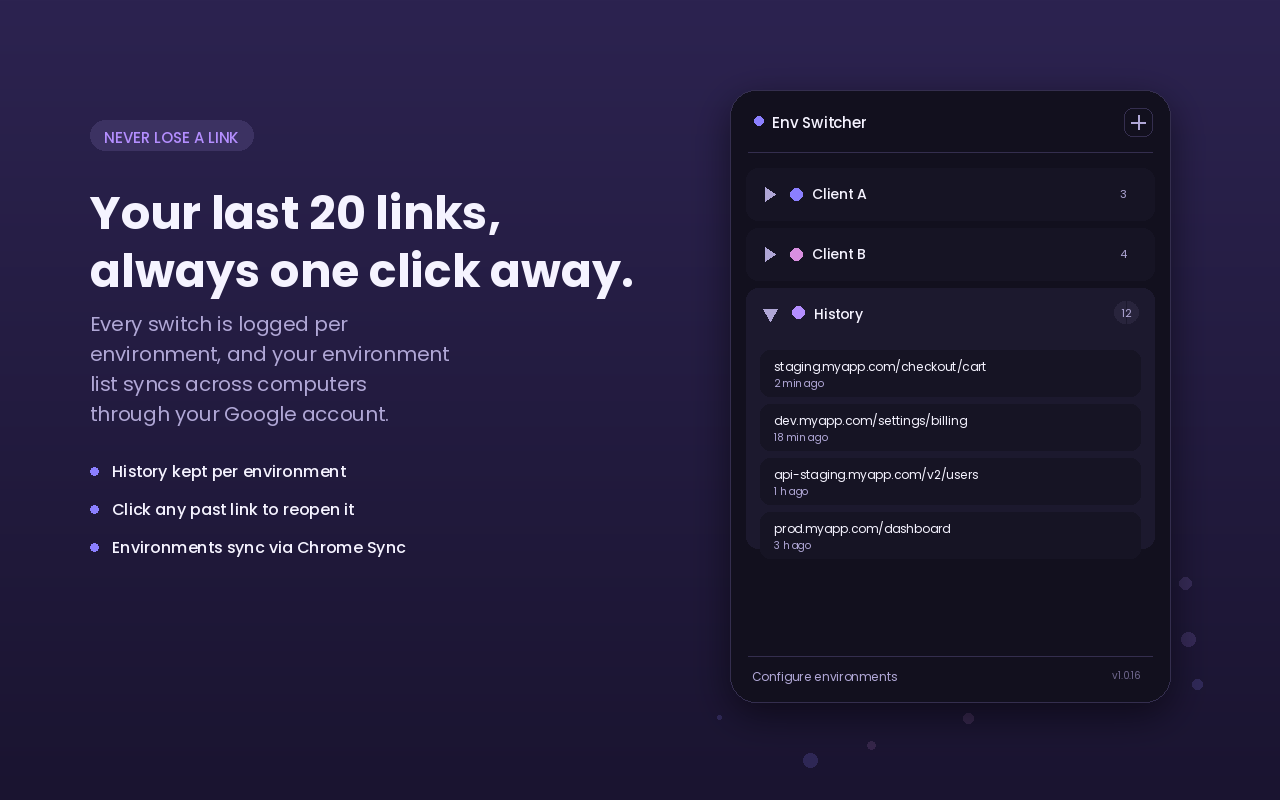
Never lose a link
Your last 20 visits per environment are one click away, with a history you can browse or clear anytime.
-
Synced to your account
Your environments follow you to any computer signed into the same Chrome profile.
In your browser
The same popup, wherever you are on the page.